Web Folders
How to connect WebDAV folders with Windows, Informatics Service, september 2003
Step 1
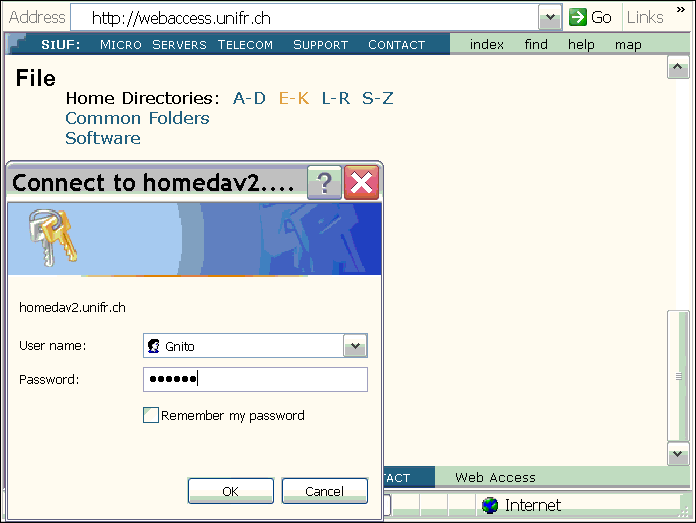
With Internet Explorer, visit our sitehttp://webaccess.unifr.ch/.
In the section File, select your Home Directory or Common Folders.
Enter your User name and Password.
Step 2
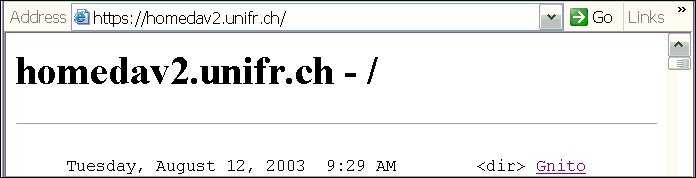
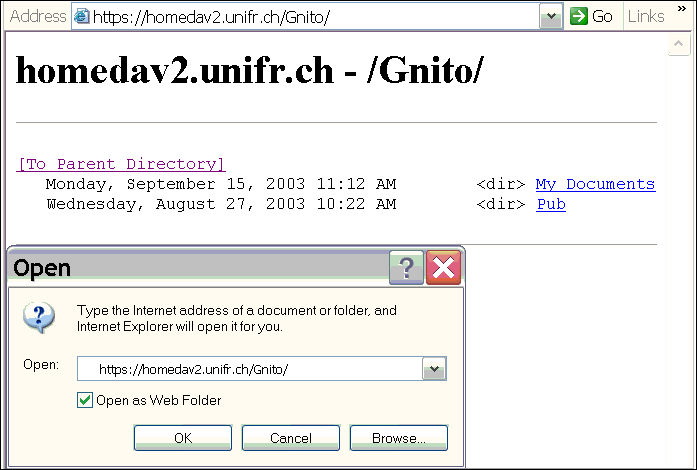
Select the directory you wish to connect.Open this address as a Web Folder (Menu File Open...).
Step 3
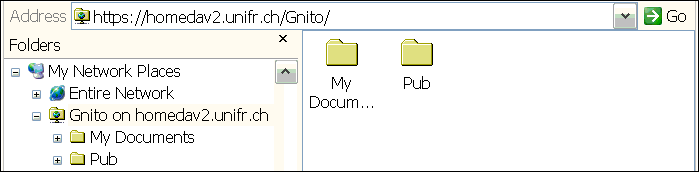
It's done: you can read, write, change or delete your files.